Lab 6: Do you want to build a snowman?
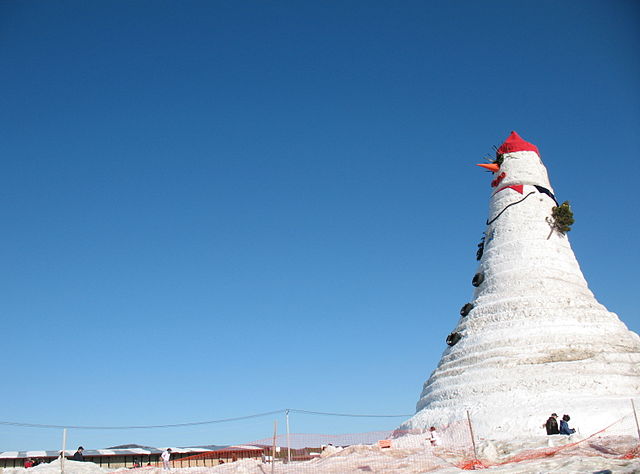
Image Source
The VPython library contains routines to make 3D-accelerated OpenGL graphics easy to use on Python. Unlike Alice, which you may have used last semester, vpython is a fairly thin wrapper over OpenGL, and a vpython program can be translated into a (more lengthy) OpenGL program. Also unlike Alice, vpython is not intended to teach beginning programming, but rather for fast creation of visualizations.
Unfortunately, the latest version of vpython only works with Python 2. There's an older vpython version that apparently might work under Python 3, but my suggestion is to use Python 2, and add the following to the top of your program:
from __future__ import division, print_function
If the vpython library isn't found on the MLH 310 computers in Ubuntu, enter the following at a terminal:
sudo aptitude install python-visual
Importing division and the print function will take care of the most prominent differences between python 2 and 3. Finally, if you'd have written "input" in python 3, write "raw_input" in python 2.
For this lab, write a function called snowman, which takes a few parameters:
- pos, a tuple of three values indicating the position of the snowman (you may define the position however you like)
- height, a decimal value indicating the height of the snowman
- color, a tuple of three values indicating a color in the way vpython indicates color (rgb)
Color should have a default value of (1, 1, 1), indicating white. Once you have created your function, use it to create a couple of snowmen, in different places. A minimal snowman is three snowballs and a nose (which can disregard the color parameter and always be orange if you like).
Optional Extra Credit (worth 10% extra on this lab)
Change the snowman to be an object, and keep track of each of the objects it is composed of. Add a remove() method that deletes the snowman. Then add an explode() method that causes the snowman to explode into 100 snowballs. Each snowball should be small compared to the snowman, and fly outward from the snowman's original location following a unique trajectory.
You'll need a few things for this.
- Random number generation. from random import *, and then call random()
- Lists. You'll have to store the 100 snowballs in a list to keep track of them. You can use the append method to add things on to the end of a list.
- for loops, to move each item. for item in list:
- Animation. There's a rate function in vpython you can call to limit the animation speed, so that things keep working on different hardware.
You can do this extra credit after turning in the rest of the lab, and show me next week if you prefer. On Wednesday and next Monday, we will cover this in more depth, making the extra credit more relevant to the lecture content.
